






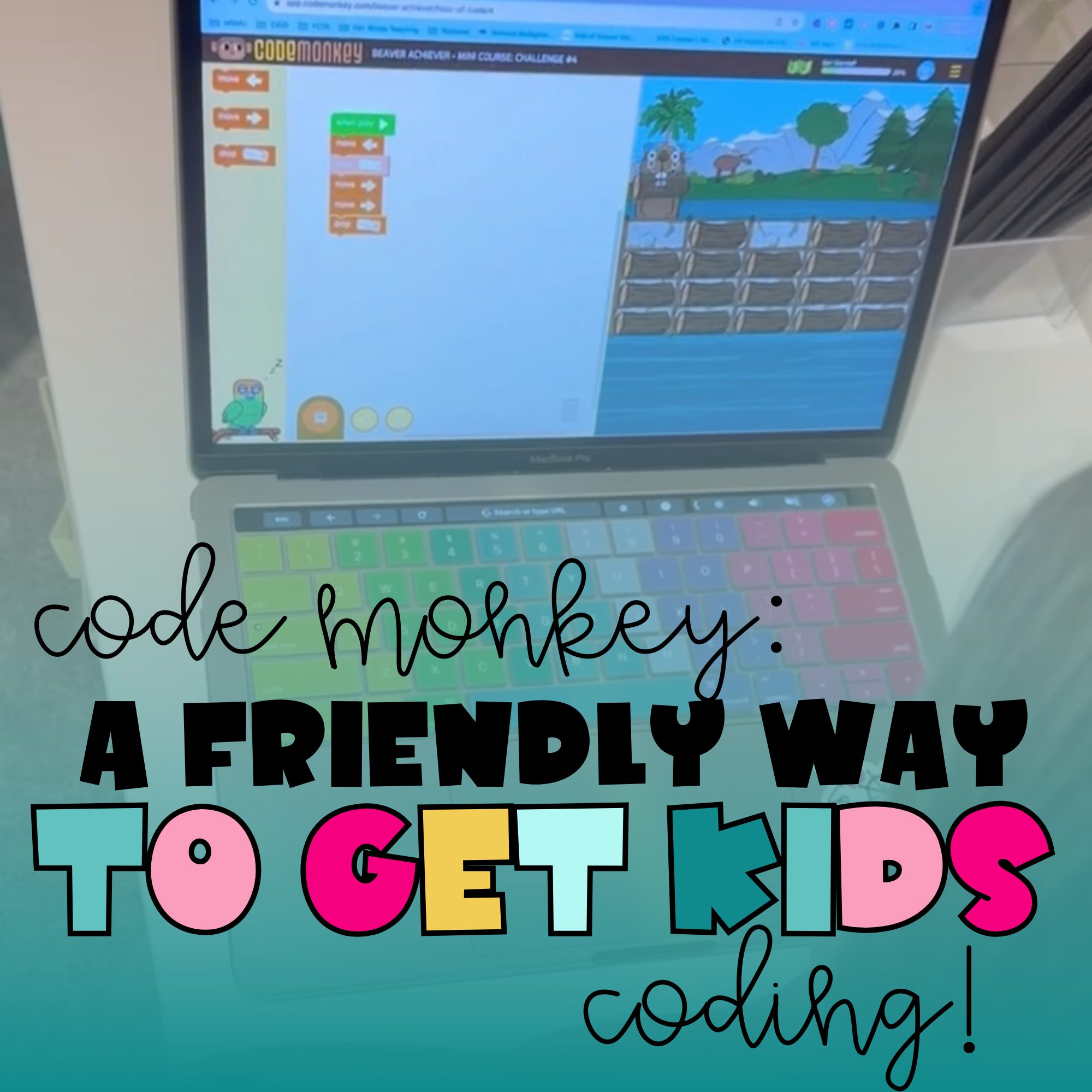
Hey there! If you’ve been curious about how to introduce your kids (or students) to coding — without stress, weird coding jargon, or a steep learning curve — I want to tell you about CodeMonkey. As a teacher (and a parent at heart), I really appreciate how this platform makes coding feel like play, not homework.
Let’s Talk about What CodeMonkey is!
At its heart, CodeMonkey is a game-based coding platform for kids, especially around the elementary to middle school years. You don’t need to be a programmer, and kids don’t need coding experience — the setup is simple, welcoming, and designed to build confidence. My 3 year old jumped right in and was able to understand the videos and directions with ease.
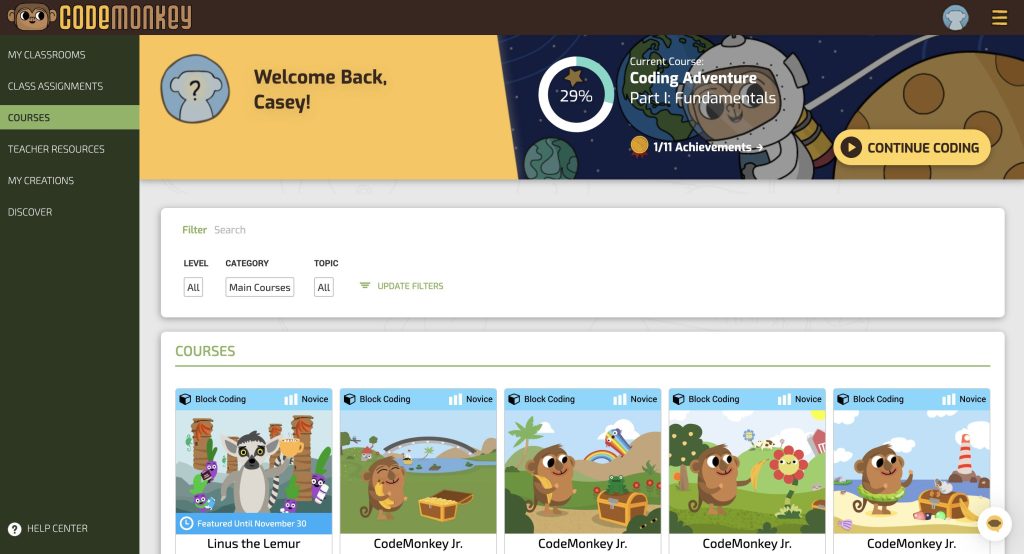
Depending on age and experience, learners start with block-based coding — perfect for younger kids still mastering sequencing, logic, and basic concepts without worrying about syntax. And when they’re ready, CodeMonkey shifts into real, text-based programming languages to make coding feel like something real coders do.
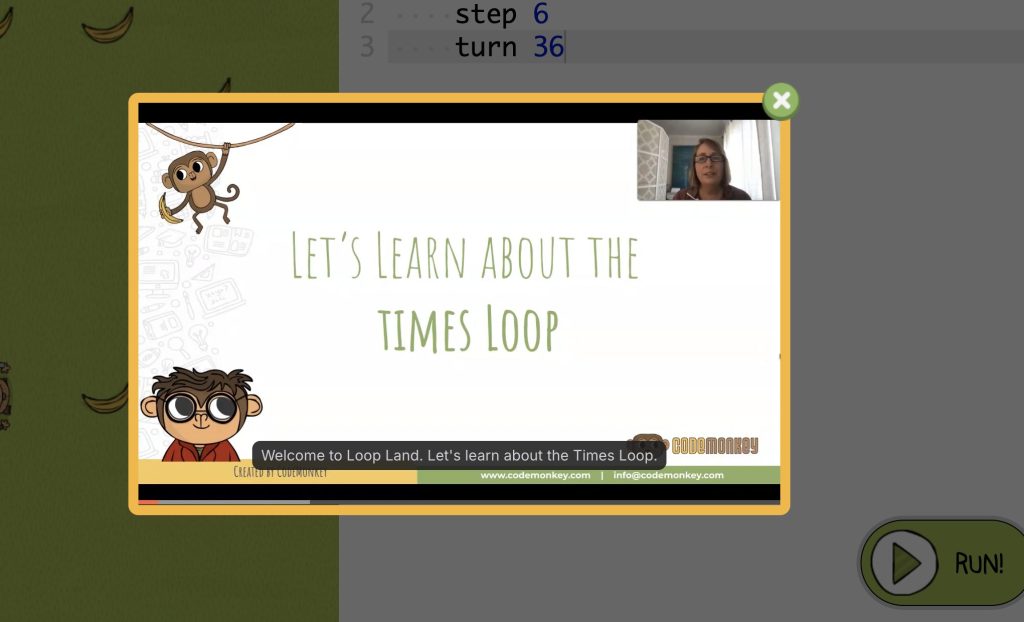
My daughter really enjoys the how to videos before she starts a new lesson or skill. It is nice to be available to students and children that might need help without needing to ask the teacher. The videos are built in and ready to go!
Why Parents Love CodeMonkey for At-Home Learning
⭐ 1. It feels like a game—because it is!
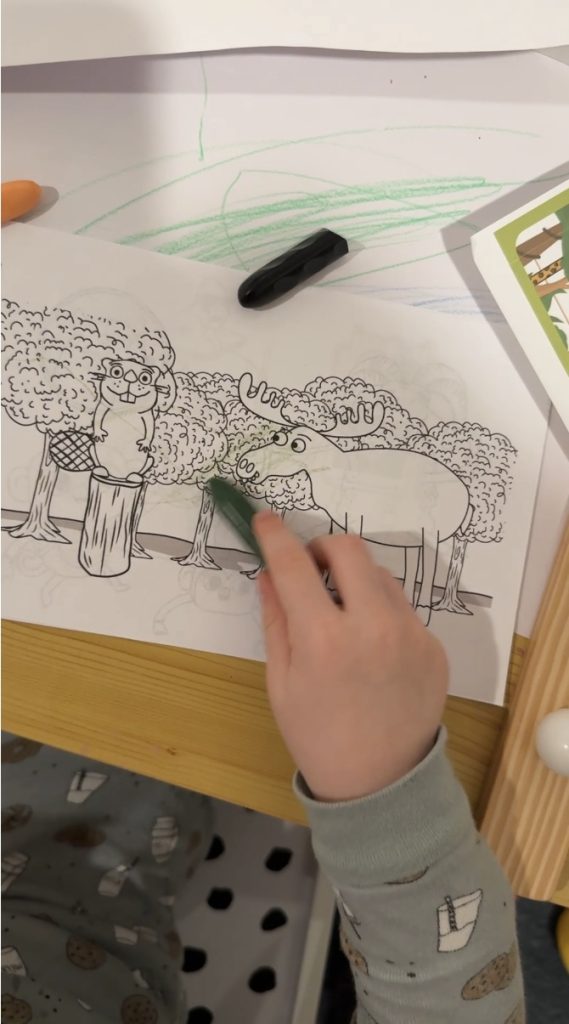
Kids are instantly hooked. The platform uses puzzles, characters, and rewards to keep them engaged. They learn important coding concepts without feeling like they’re doing “school work.” Our favorite is the cute little beaver! They even have some coloring pages that match the characters — they are so cute!
⭐ 2. No coding experience needed
Parents don’t need to be programmers. The lessons are structured, scaffolded, and self-paced. CodeMonkey guides learners with hints, examples, and instant feedback.
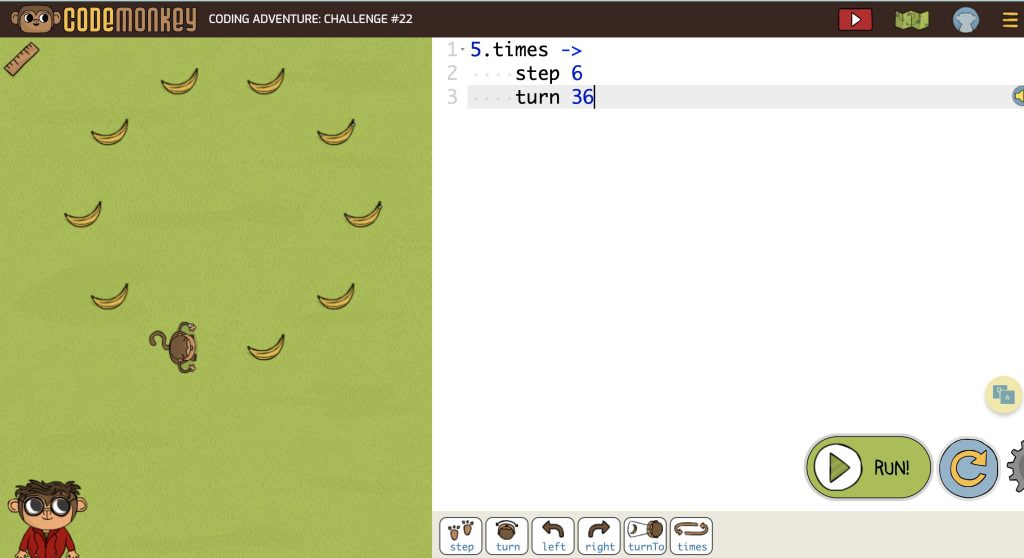
⭐ 3. Builds real-world skills
As students progress, they shift from simple puzzles to text-based programming and real coding challenges. These are the same foundational skills used in today’s tech careers. In today world, a growing need for coders is high, make sure your child is ready!
⭐ 4. Safe, ad-free, and kid-friendly
Parents can trust that children are learning in a secure digital space without distractions or inappropriate content. My daughter loves to track her level progress with these maps. She can monitor how much further she has to go.

Why Teachers Love CodeMonkey in the Classroom
🧑🏫 1. Ready-to-teach curriculum & materials
CodeMonkey provides a complete coding curriculum aligned to national computer science standards. Teachers get lesson plans, slides, assessments, and pacing guides—no prep required. I also love the completion certificates!

🧑🏫 2. Works for all experience levels
Whether your students are brand new to coding or already experimenting with Python, the platform offers sequenced courses that meet students where they are.
🧑🏫 3. Classroom dashboard
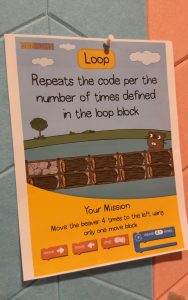
Teachers can monitor student progress in real-time, provide feedback, and differentiate instruction. It’s perfect for centers, early finishers, whole-group lessons, or after-school clubs. They are ready to go printable anchor charts as well!
🧑🏫 4. Flexible for any classroom setup
Use it with Chromebooks, tablets (ipad’s), desktops, or during blended learning. The platform is browser-based, so there’s nothing to install.
Favorite Features of CodeMonkey
🐒 Reinforcing Skills
Younger kids will have practice using skills such as “right and left,” positional words, counting skills and directional words (up, down, & side).
Direction Videos
The in house direction videos are clear and easy to follow along with. They are available at a click of a button to have the students watch at anytime they need.
🐮 Dodo Does Math
A great option for students needing extra math practice in a fun, game-based format.
🎮 Game Builder + Game Design Courses
Students create and publish their own games! This is a classroom favorite for project-based learning, Genius Hour, and STEAM clubs.
🧠 Parent Features!
This program is self paced and the parents/teacher is able to track their child’s progress.
Perfect for Home. Powerful for Classrooms.
Whether you’re a parent searching for a constructive screen-time activity or a teacher wanting to incorporate computer science into your curriculum, CodeMonkey makes coding approachable, engaging, and meaningful for all learners.
Kids gain confidence, build real skills, and have fun—which is the best way to learn anything.
Get Started Today
If you haven’t introduced your kids or students to CodeMonkey yet, now is the perfect time. With so many easy-to-use courses and classroom-ready materials, you’ll see why so many teachers and families love this platform. Check out a few videos I have to show it in action! Here & here!